Teaching the solar forecast which way the roof faces
Our solar forecast kept overshooting. It turned out I had told it we had a flat roof facing north, when the panels sit on two sides facing east and west.

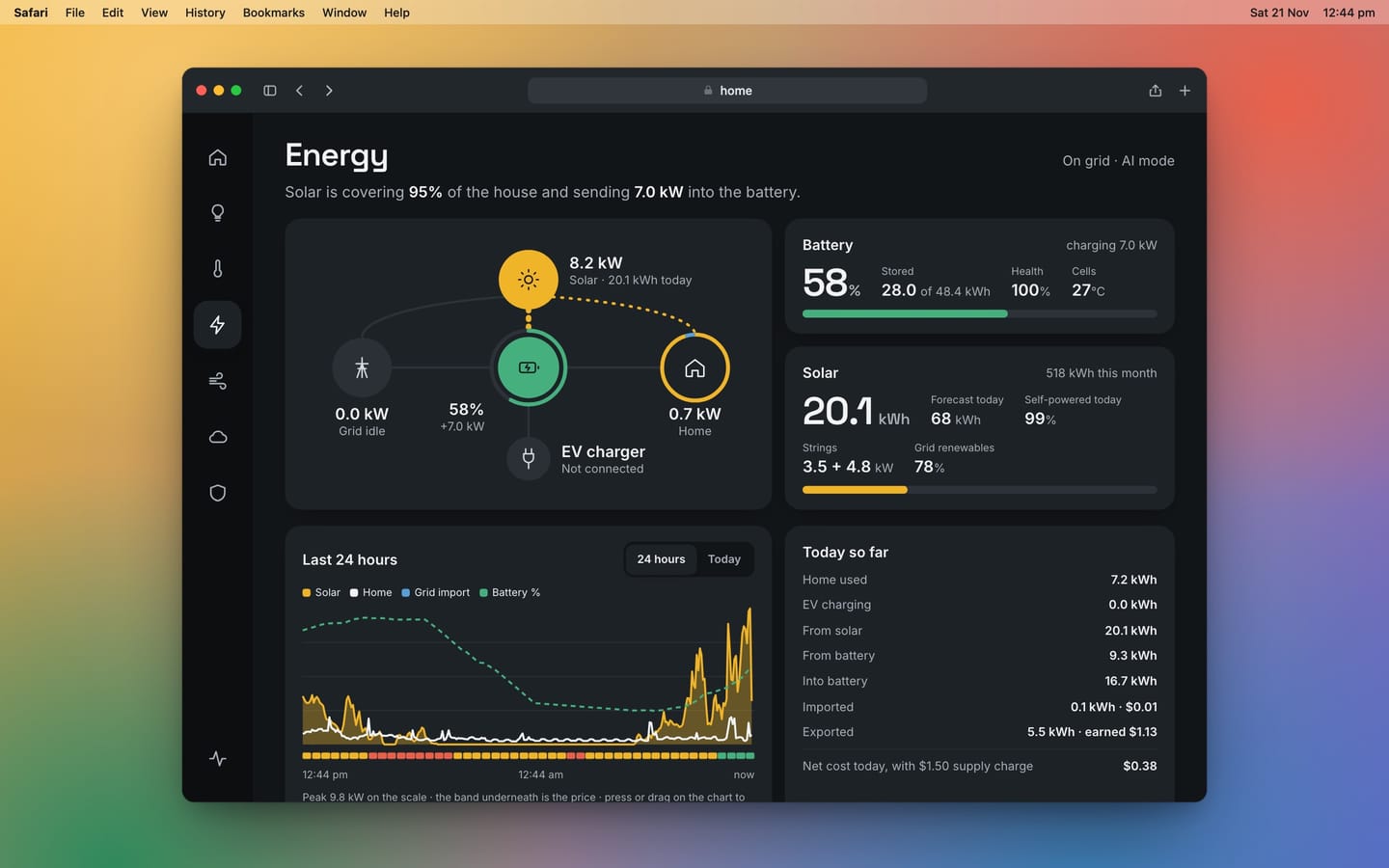
Part of the Home Dash series in The House Project. This one is about the house itself, the solar on the roof and the forecast that goes with it. Last updated 21 November 2026.
The dashboard has a line on it that says how much solar to expect today. For two weeks that line has been wrong and I assumed that was just what forecasts do.
It wasn't the forecast. It was me. I'd told it we had a different roof.
What the forecast thought we had
The forecast comes from Solcast, an Australian service that turns weather and satellite data into an estimate for your own panels. To do that it needs to know what's on your roof. When I set it up I gave it the size of the system and left the rest alone.
So it believed we had one big array lying completely flat and facing due north. On paper that's a lovely setup. It soaks up the middle of the day and it was forecasting 63 kWh on days that went on to make 28.

What we actually have
Our roof runs front to back, so the panels sit on two sides. One side gets the morning and the other gets the afternoon. Nothing faces north at all.
I didn't need to climb up to check. The inverter records each string separately and Home Assistant keeps the history, so the answer was already sitting there.

That shape is the whole story. An east and west roof makes less at midday than a north one and more at each end of the day. A forecast that expects one tall hump in the middle will overshoot at lunch and miss the shoulders.
Finding the numbers
Solcast wants three things for each side. How much is up there, which way it faces and how steeply it's tilted.
- The size came from counting. There are 13 panels on the west side and 12 on the east, each 475 watts.
- The tilt came from the building plans. The elevations have the roof pitch written on them, 25 degrees.
- The direction came from the plans too. The site plan gives the bearing of each boundary and a north arrow. The roof follows the block.
It turns out the two sides don't face east and west exactly. They face east-north-east and west-south-west, which is the sort of detail you only get from a survey drawing.
Then it was ten minutes in my Solcast account. I changed the one site into the west side and added a second site for the east. The free plan allows two sites, which is exactly enough. Home Assistant picked up the second one by itself.
What it costs
The free plan gives ten forecast requests a day and each site uses one. With two sites the forecast refreshes five times a day and not ten. For a number I glance at over breakfast, that's plenty.
What I'm watching for
I've only just made the change, so I can't yet say how much better it is. The test is simple enough. Over the next week the forecast and the day's real total should sit close together. The forecast curve should have the same two humps as the real one.
On the dashboard nothing looks different. It's still one number for the whole house, because that's all I want from it. It's just built from two honest halves now.
The lesson is the same one that keeps turning up in this project. Before blaming the data, check what you told it. There's more of that in the design rules. The panels, the inverter and the rest of the hardware are in the kit list.
The occasional email
A few times a year, when there's something worth saying.