
Part of the Home Dash series in The House Project. Last updated 24 November 2026.
Look, the Security page has been sitting there empty since day one. It was always going to be the cameras. I just kept putting it off.
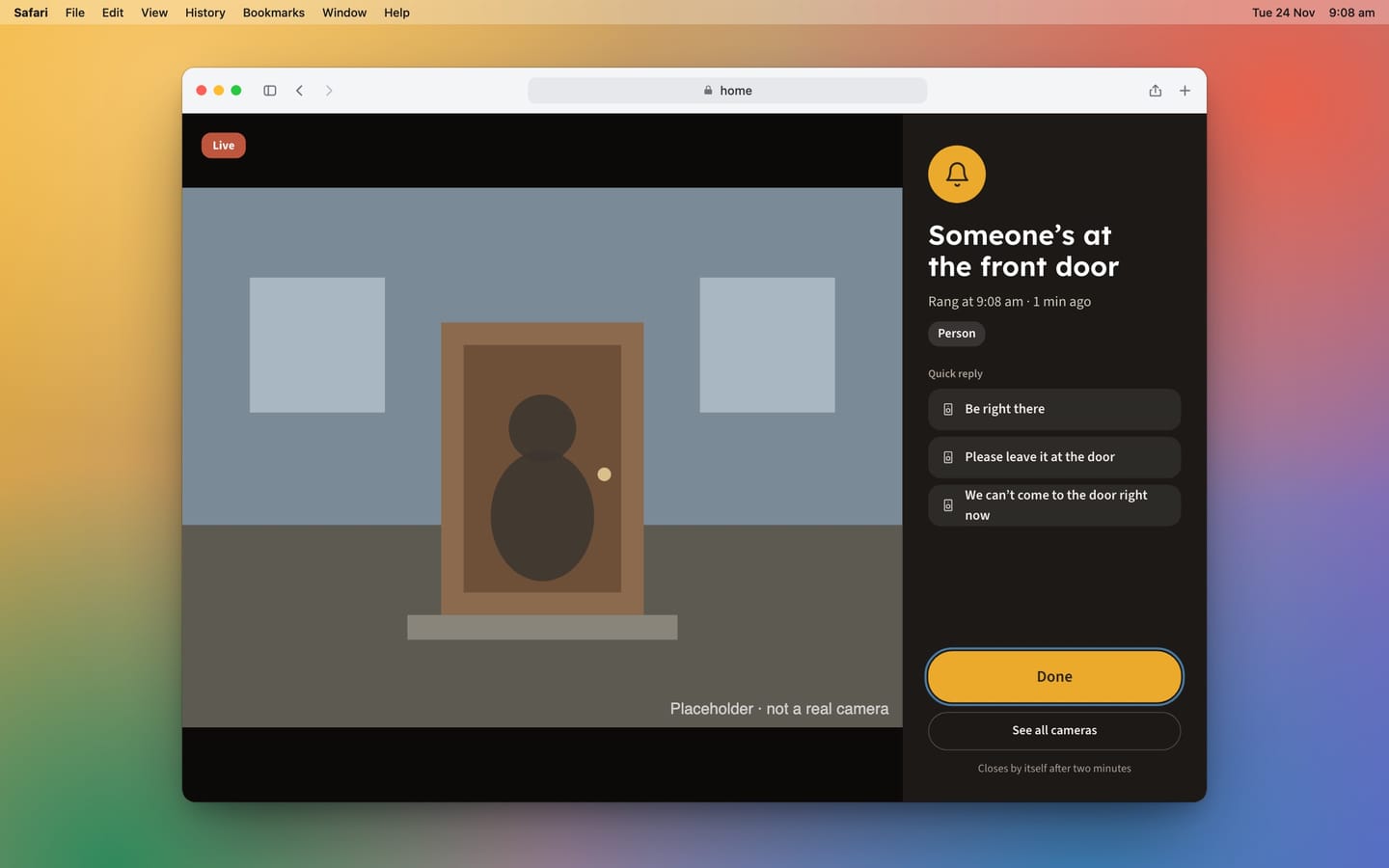
What I actually wanted was pretty simple. When someone rings the doorbell, the dashboard on the wall should drop whatever it's doing and show me the front door. Not a notification or a little tile in the corner. The whole screen.
Outside only
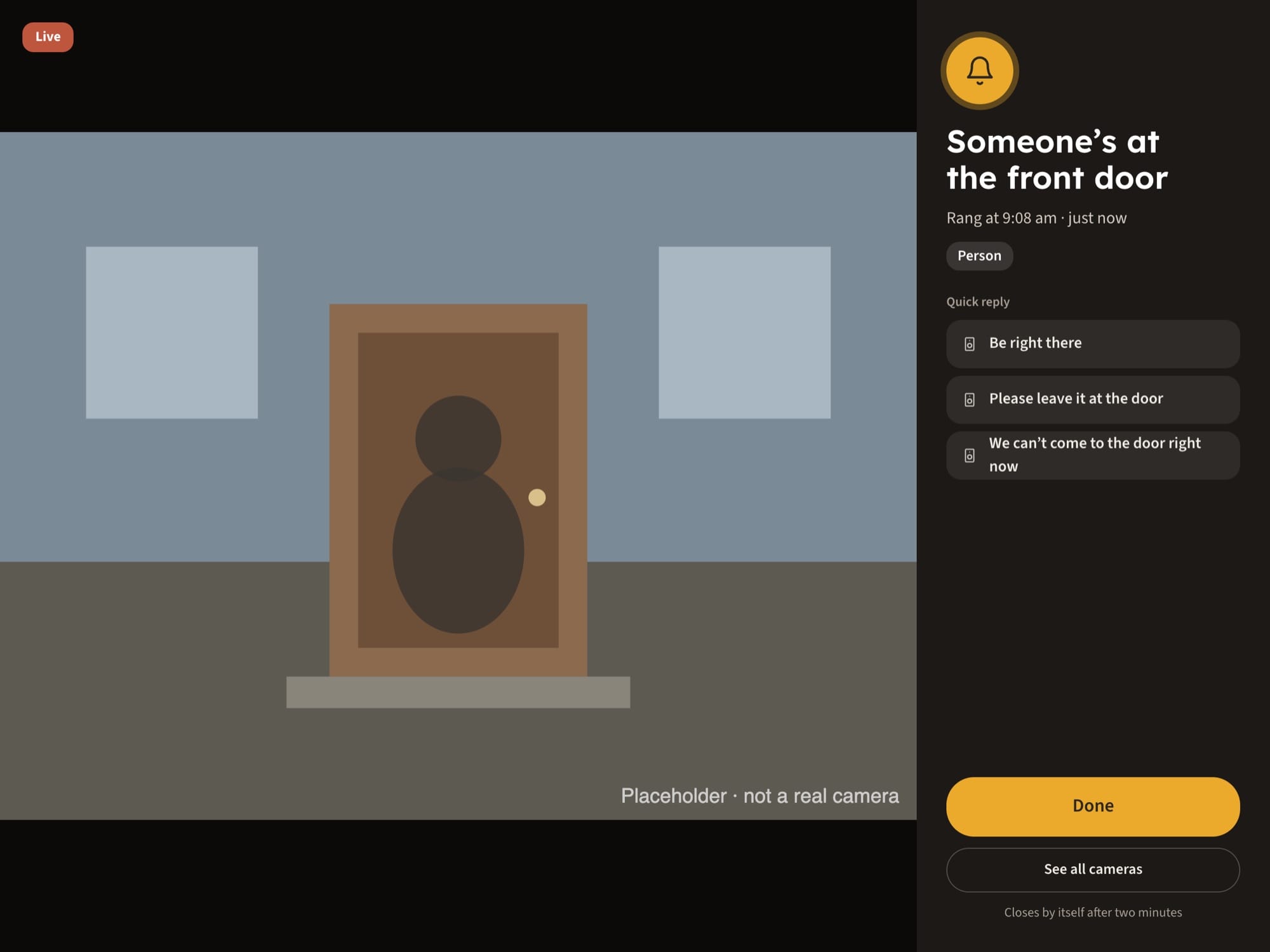
We've got UniFi cameras around the house. I only wanted the outside ones on the dashboard. Nobody needs the lounge room up on a screen in the kitchen.
So Home Assistant only ever gets to see three of them, the front door, the garage and the balcony. The others aren't just hidden on the dashboard. Home Assistant can't see them at all, which for me is the way it should be.
When it rings
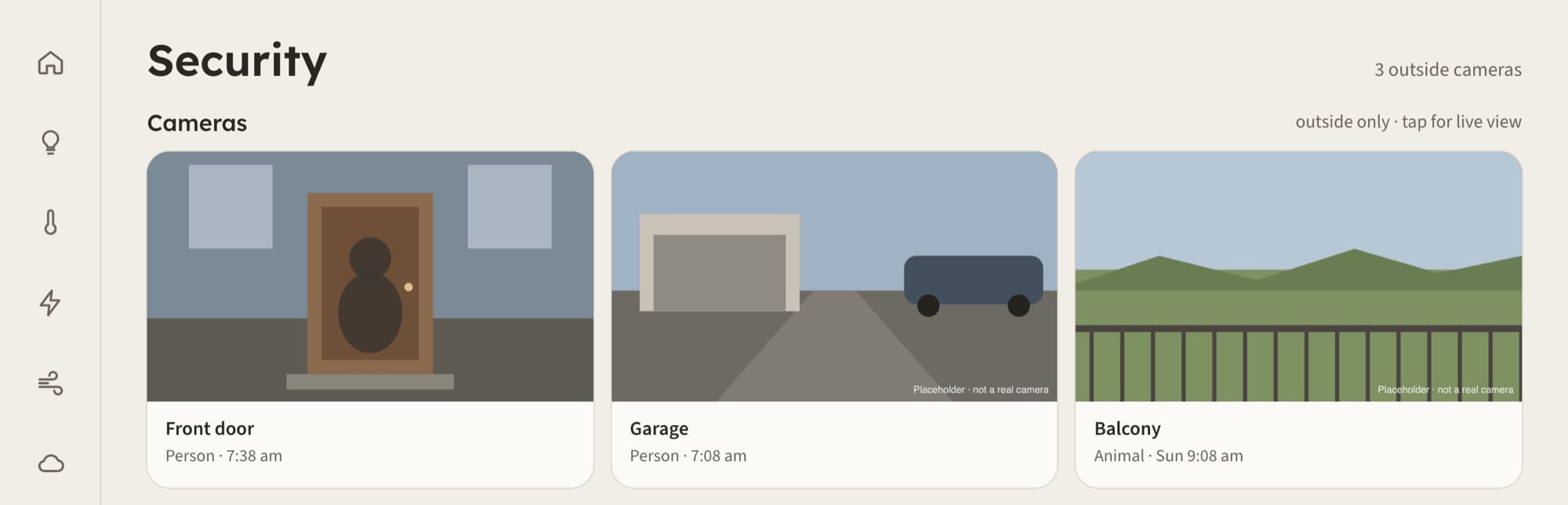
You get live video from the doorbell, what the camera reckons is there (a person or a package) and three buttons. Each one speaks out of the doorbell's own speaker. "Be right there", "Please leave it at the door" and "We can't come to the door right now". There's a Done button, and if nobody touches it the screen gets out of the way by itself after two minutes.
I did look at proper two-way talk. Doing it from the dashboard needs bits that aren't officially supported yet and I'm not keen on running unofficial code on the thing that runs the house. To be fair, three quick replies cover pretty much every courier anyway.
Testing them was fun. Every test says something out loud at the front door, so I made sure nobody was walking past first.
The live video that wasn't
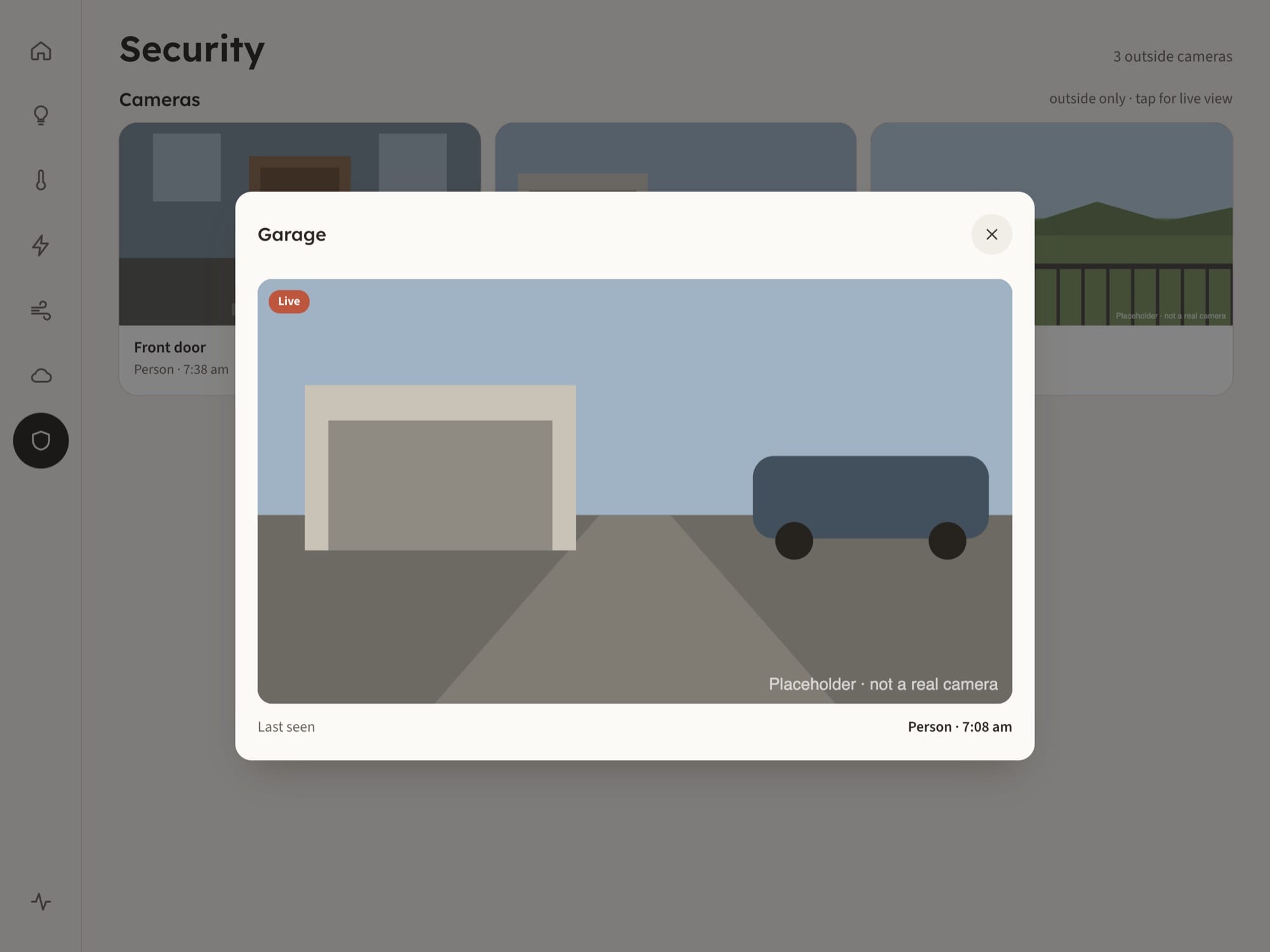
This is the bit that took the longest. The live view looked fine at first glance. Then I noticed the clock on the camera picture only ticked over every five seconds or so. Meanwhile the UniFi app on the same Mac played everything perfectly smoothly.
We went round in circles for a while. First the theory was the camera's compressed video format, so I turned that off on the garage camera. Then it was the resolution. It was neither. The numbers said the video was arriving, so on paper it should have worked.
It turned out to be two separate problems stacked on top of each other.
- The dashboard builds each screen in a hidden holding area before putting it on the page. Safari will happily play a video built that way and even count its frames, but it never actually draws it. So what I'd been looking at the whole time was the backup still picture refreshing every few seconds. A page of tiny test videos side by side found it in about five minutes.
- The video itself was going over UDP, which doesn't bother resending anything that gets lost on the way. Plenty was getting lost between the Pi and my Mac. Switching it to TCP, which does resend, took it from two frames a second to a steady 24.
Once both were fixed I put the camera settings back how they were. All three cameras play smoothly, compressed format and all. So I'd changed them for nothing, which sounds about right.
Under the bonnet
- UniFi Protect's own Home Assistant integration. Nothing extra installed.
- Live video comes through the streaming server built into Home Assistant, as WebRTC over TCP. Away from home that can't connect, so it drops back to HLS, which runs a few seconds behind but gets there.
- The card pictures are snapshots asked for at 640 pixels wide rather than full size. One of the cameras is 4K and there's no point dragging that across the network to show it the size of a coaster.
- The garage plays its smaller stream for the same reason. The other two are fine at full size.
- The quick replies are Home Assistant's text to speech, sent to the doorbell's speaker.
The rest of the kit is in The Home Dash kit list.
Next up for the Security page is a timeline of the day and who's home. For now the courier gets a "Be right there" and I get to finish my coffee.
Keep reading the series